Moleskine+ vs Rocketbook — let’s see

I’ve been writing at best sporadically the past few days, experimenting with something that I really haven’t done much of, and that’s composing in a notebook.

I generally compose on the computer because my advisor for my dissertation program strongly encouraged this. I like composing on the computer because of my anal-retentive tendencies which get riled up by editing on paper. I hate scribbles. I hate white-out. I hate crossing things out neatly. And forget about pencils, because they smear. I want a pristine page with pretty handwriting, and I will tear out a page and rewrite if that’s what it takes. I waste a lot of time and a lot of paper. 

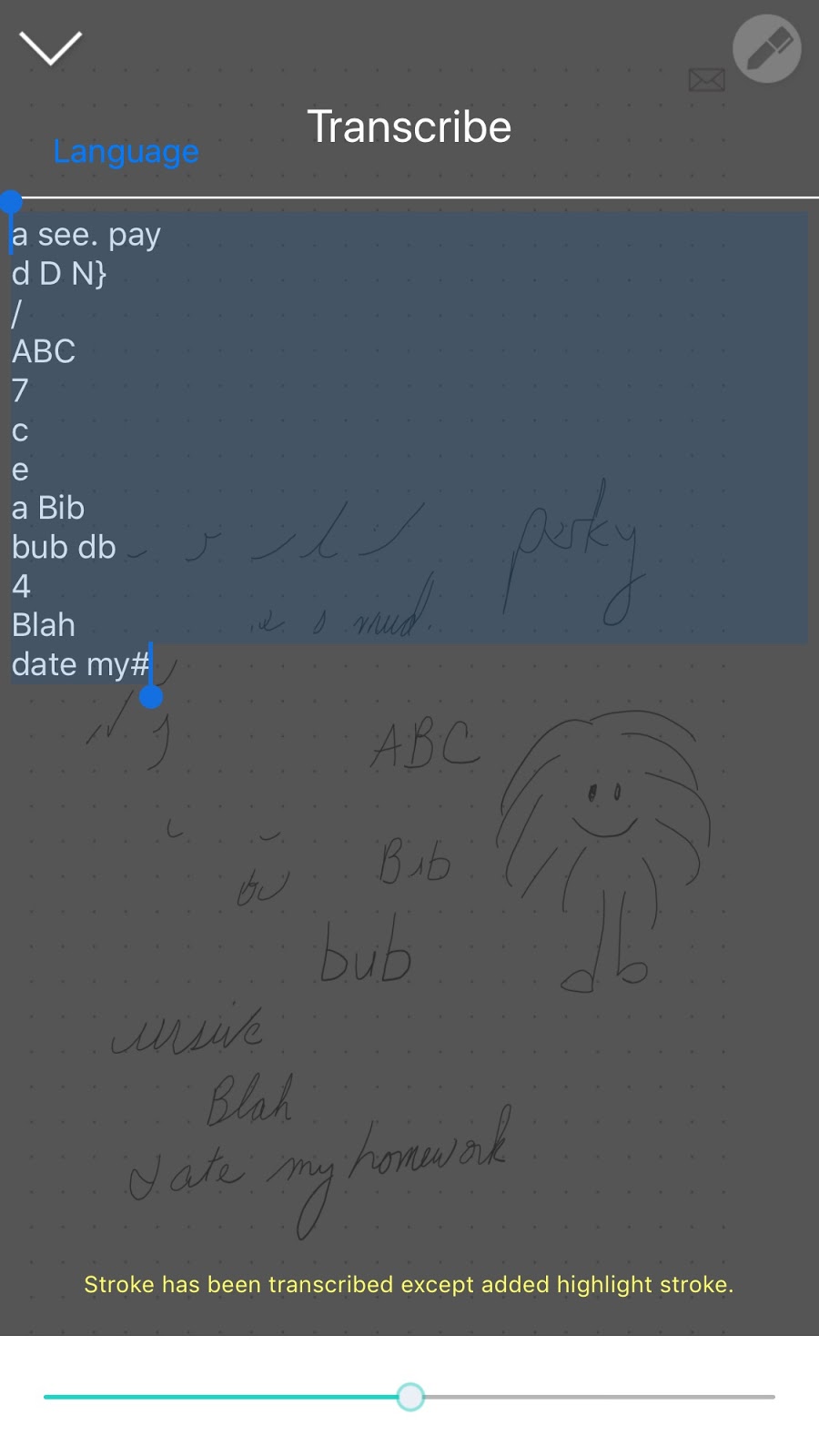
Hence, my consumer experiment. I have a Moleskine+ pen I bought with a settlement from Barnes and Noble a few years ago. The original pen didn’t function well, so I just got a replacement that does work. This pen, plus a proprietary marked notebook from Moleskine, allows one to write while the camera in the pen records keystrokes, and these pages can be digitized through OCR and sent to Dropbox (or other places) to be repaired as needed — the OCR is not perfect, but it handles my idiosyncratic writing well. 

So let me lay out the advantages and disadvantages of this:

Advantages:

  • The pen writes smooth as butter
  • The notebook is pretty
  • Will digitize several pages at a time.
  • Decent handwriting recognition
  • Relatively robust iPhone app
Disadvantages:
  • The pen requires charging
  • The notebooks cost $27 apiece; there are no cheaper options
  • Scribbles — even more disconcerting because they’re in a pretty notebook
I’m trying an alternative which is known as a Rocketbook, which set me back about $30. The notebook is also proprietary; but it is made of material that can be reused by either wiping or putting in the microwave (I’ve heard both). You write using an ordinary Flexion pen (An erasable/washable pen made by Pilot in many colors); other pens will become permanent. The magic is in the iPhone/Android app which does screen capture and digitizing.

The advantages and disadvantages (ahead of my trial) look like this:

Advantages (perceived): 
  • Reusable, and therefore less expensive
  • Better designed for use as a tool and not a permanent record
  • Can use with more than one pen as long as it’s Flexion
  • Could make mistakes and erase using liquid
Disadvantages (perceived):
  • Flexion pens don’t write as solidly as other pens
  • Flexion pens can feel scratchy (at least on paper)
  • Scanning must be done one page at a time.
So I will be comparing both methods to see which works the best for my drafting on paper, and furthermore, to see if there’s advantages to drafting on paper such as enhanced creativity or the ability to jot random notes down.

New toy

I was lucky enough to have a professor in college who heavily encouraged me to learn to compose assignments directly on the computer instead of hand-writing and transcribing. As I am one of those people whose train of thought breaks down the moment I put an awkward black scribble mark on a pristine piece of paper, I welcomed this suggestion. Thirty years later, I’m one of the few writers out there, I hear, that prefer to compose on the computer.

The problem with computers and their iPhone companions is that they’re inconvenient when waking up and trying to jot down a dream. I have trouble with high tech before coffee. Big electronics are also awkward when I’m in a coffeehouse with Richard discussing sheer ideas, the ones that will flitter away by the time we get into the car.

On the other hand, I also have grown to hate transcribing handwritten notes into my computer or iPhone companion. It’s one of those things that I like to put off till later, with “later” meaning “when the piece of paper is lost or thrown in the garbage”.

I decided I needed to have something to take notes on so I could take story notes on the road and by my bed  — to capture those dreams, you know.  I’d had a student recommend smart pen technology years ago, at about that time my students realized I was as forgetful as they were, but smart pen technology is expensive, although not nearly as expensive as an iPhone X.

So there I was, contemplating a smart pen. Not without qualms — part of me quailed at the thought of having such a bougeois consumer electronic product. On the other hand, I had a boatload of store credit at Barnes and Noble as the result of a class-action lawsuit of some sort, and those points would expire soon. I can’t read 20+ books in that short a time.

With my purchase justified and paid for, I bought my smartpen. (I will not tell you which brand, because this is not an advertisement.)

The smart pen technology involves two parts, a special pen and special paper.The pen reads infrared (so make sure it’s charged and press heavy on the pen) and the paper allows it to:

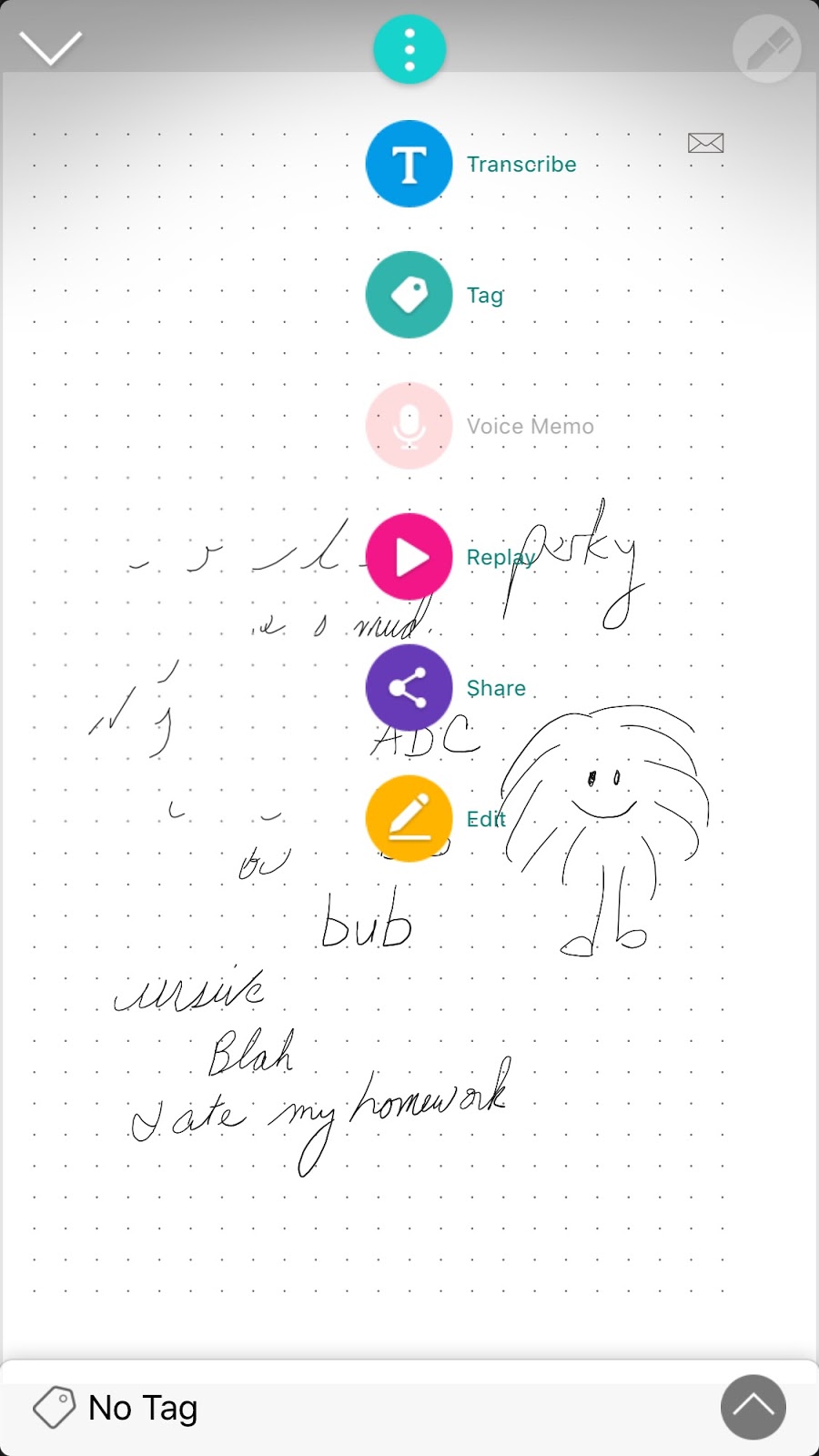
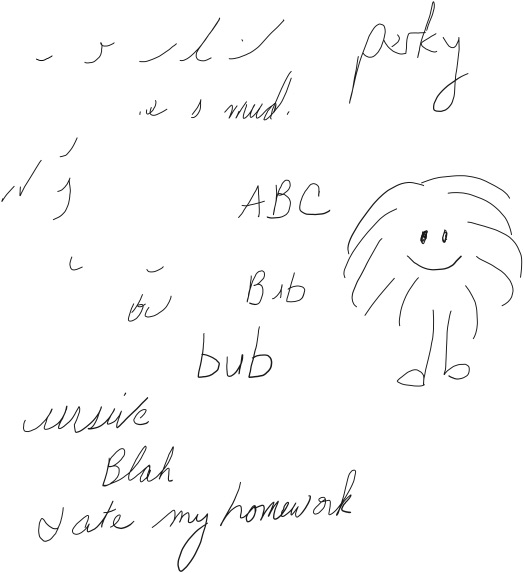
1) Pick up what you’re writing and upload it to the smartphone :


2) Edit, transcribe, replay pen strokes, and share the picture:

3) Copy and paste the transcribed version into another document — I’ve gotten much better on making the pen recognize my handwriting:

So we will see if this helps me with recording more spontaneous ideas over coffee or during naps!